Cancun All-Inclusive Resorts with Live Beach Webcams: A Spanish-Speaker's Guide to Watching Before You Book
<b>[5-MINUTE READ]</b>
If you have ever searched for a live Cancun beach camera before booking a hotel, we get it: you want to see the water color right now, you want to know whether the beach is crowded at noon in April, or whether the sky actually looks blue in January. Live webcams answer those questions in seconds, and for Spanish-speaking travelers comparing all-inclusive resorts in the Hotel Zone, these webcams have become a legitimate part of the research process.
This guide explains how to use Cancun live beach cameras effectively, what to look for when you watch, and why AVA Resort Cancun is worth considering ahead of any live feed you find.
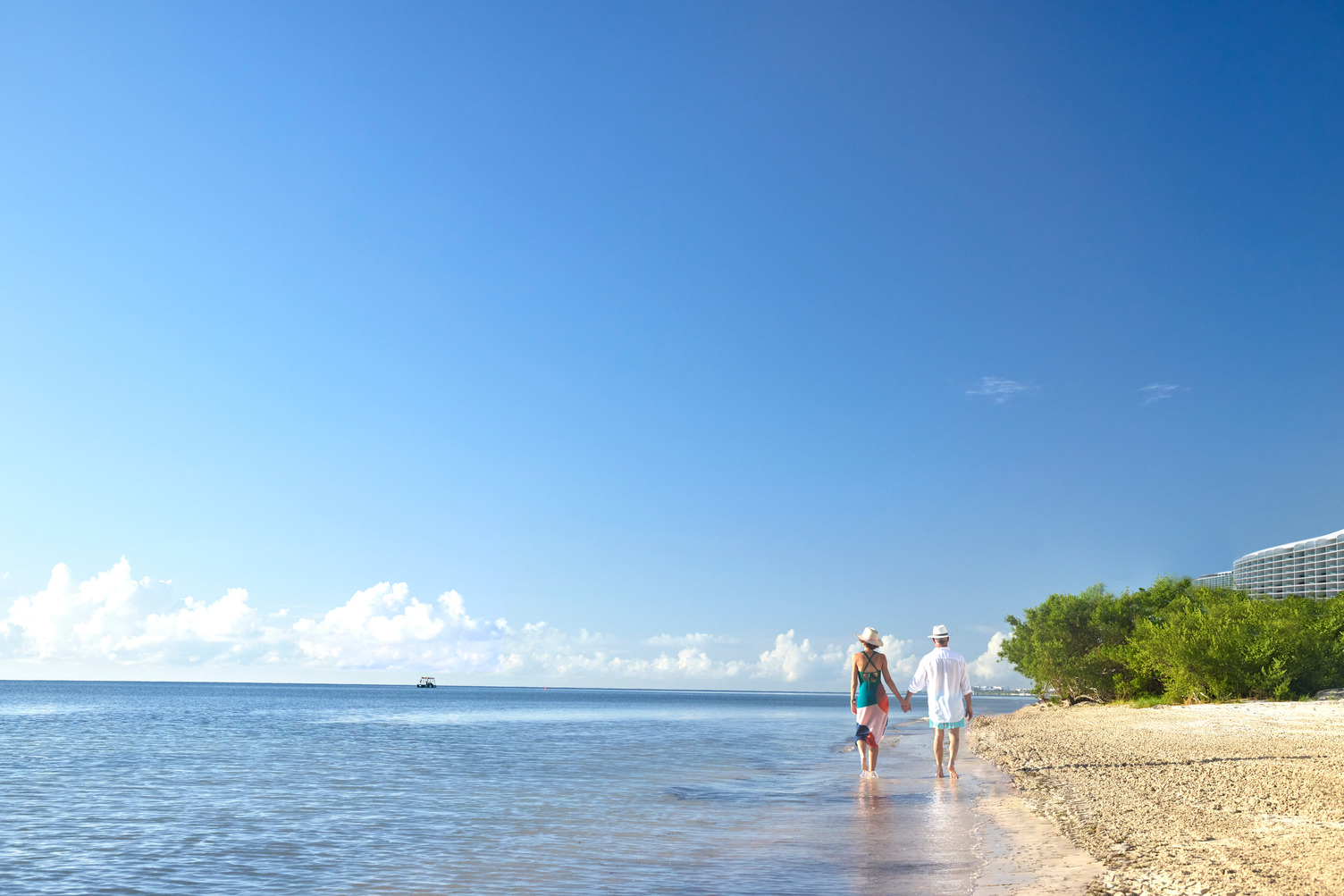 ## Why Travelers Watch Live Cancun Cameras Before Booking
The Caribbean shifts. Sargassum seaweed arrives and clears unpredictably. Cloud cover in the morning can burn off by 10am or stay flat all day. When you are spending a week at an all-inclusive resort and the beach is your primary destination, the details matter: the texture of the sand, the width of the beach at high tide, the wave height, the shade coverage from palapa structures, and more.
A live Cancun beach camera shows you current conditions rather than aspirational marketing. The gap between the two is exactly why the search query for a live Cancun webcam generates hundreds of thousands of impressions every month, particularly from travelers in Mexico, Colombia, Argentina, and Spain who are actively planning a trip to the Cancun Hotel Zone.
What most travelers find, however, is that the available public webcams are positioned at a handful of fixed points, usually near Punta Cancun or at beach clubs in the middle zones. They give you a general read on the Caribbean but show you almost nothing about the specific stretch of beach in front of a particular hotel.
 ## What a Live Cancun Webcam Can and Cannot Show You
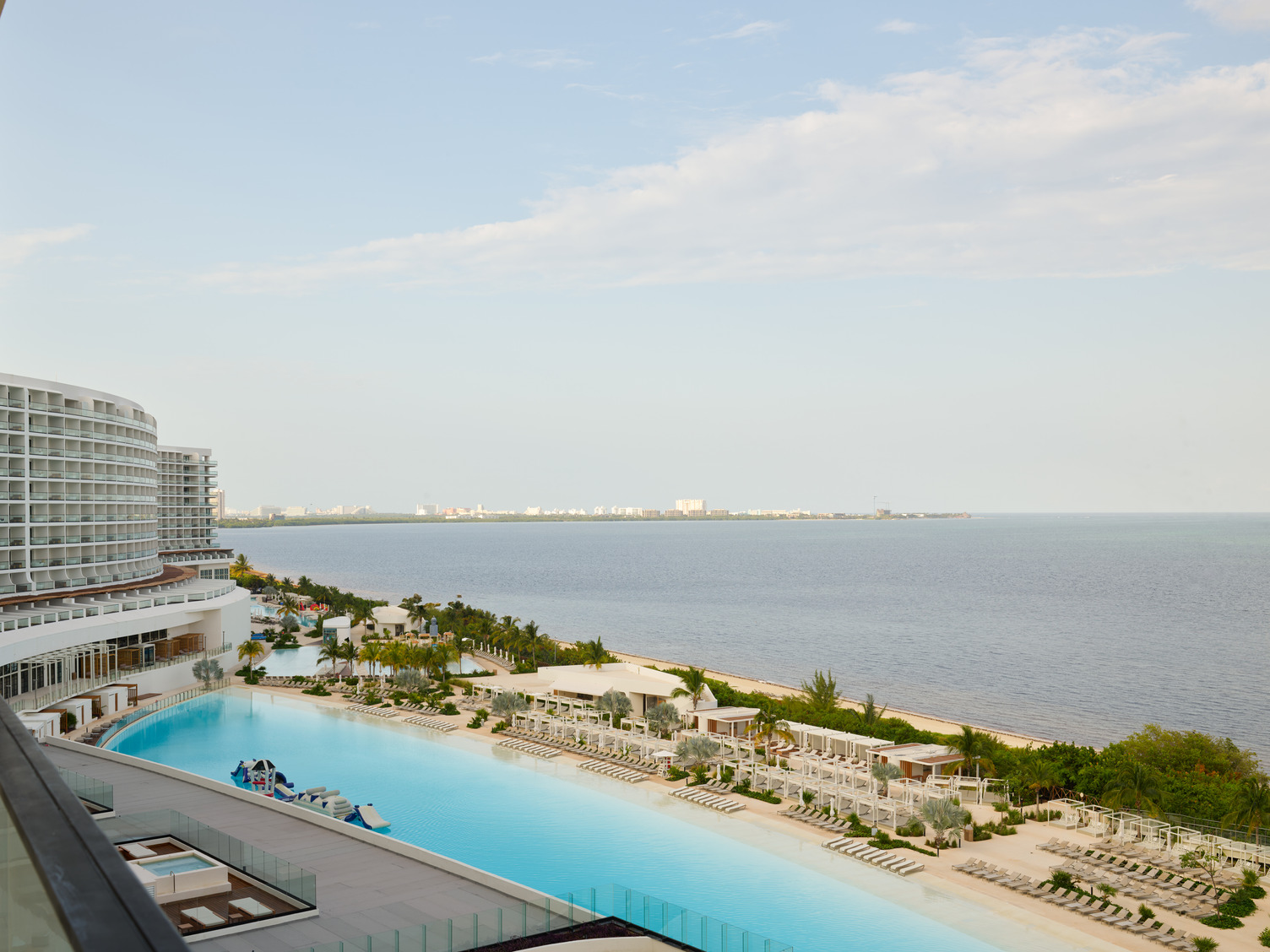
A live feed is useful for discerning three key factors: current sea color, (whether the water appears as layers of turquoise or a choppier grey-green), general crowd density on the public beach, and real-time weather conditions.
What a live feed cannot tell you is what the beach looks like directly in front of a specific resort, or how calm the waves at a property that sits on a quieter section of the lagoon side versus the ocean side of the boulevard, or whether a hotel's beachfront furniture is in good condition. For those details, it’s best to review the resort's own content, recent guest reviews, and in optimal cases, a live camera feed controlled by the property itself.
 ## AVA Resort Cancun and the Oceanfront Promise™
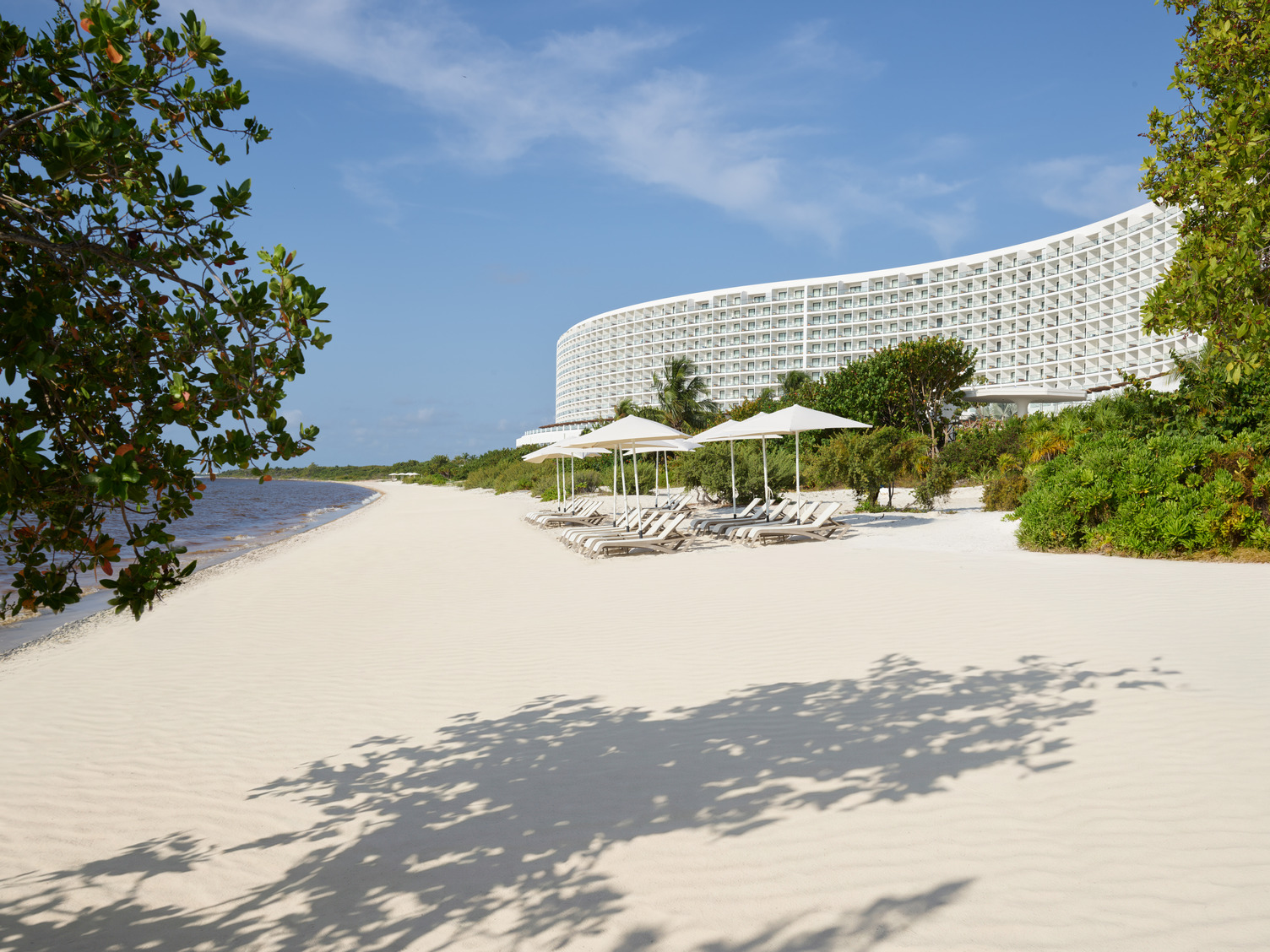
AVA Resort Cancun sits on a direct oceanfront position in the Hotel Zone, and the property is built around what it calls the Oceanfront Promise™. This promise is a specific assurance that every room at the resort faces the ocean, so every guest wakes up to panoramic water views.
The Oceanfront Promise™ is a key differentiator. At many large all-inclusive resorts in Cancun, the oceanfront category represents only a portion of total rooms, and guests who do not book in that category may find themselves facing a parking structure, an interior courtyard, or the lagoon on the other side of the boulevard. At AVA Resort Cancun, the resort's design eliminates the need to compromise on views that defines so many Hotel Zone experiences.
When you are watching a live Cancun beach camera and you see that specific shade of turquoise, AVA Resort Cancun is positioned to deliver the same view from your room.
 ## How to Use Live Cameras as Part of Your Research
Here is a practical workflow for comparing all-inclusive resorts in Cancun before you book.
Step one: Watch a general Cancun Hotel Zone live camera on two or three different days at different times (morning, early afternoon, and late afternoon). Note the light quality and sea conditions. This will give you a realistic baseline for what the destination looks like during your travel window.
Step two: Cross-reference what you see with the resort's own photos and video content. If the live camera shows choppy water on a February morning and the resort's images consistently show glassy, calm water, check whether those images are tagged with a specific season or time of year.
Step three: Read recent guest reviews specifically on the topics of beach access and room views. For AVA Resort Cancun, the Oceanfront Promise™ is a structural feature of the property, so you can verify it in guest-uploaded photos across booking platforms before you commit.
Step four: Contact the resort directly with specific questions. AVA Resort Cancun's reservations team can tell you current beach and sea conditions, which will always be more accurate than any public webcam because these conditions reflect the exact location of the property.
The Detail That Changes the Decision
Most travelers who end up watching a Cancun live beach camera are not casually browsing; they are close to a booking decision and looking for one more piece of confirmation. The camera watch is the final check before entering payment information.
If that describes where you are right now, the most useful thing to know about AVA Resort Cancun is this: the resort was designed so that the view from the camera and the view from your room are the same. You will not arrive and discover that "oceanfront" meant something narrower in the fine print.
The beach at AVA Resort Cancun is directly accessible from the property, without crossing a street or walking through another resort's grounds. The water in front of it is the same Caribbean you are watching in any live Cancun beach camera feed from the Hotel Zone.
Watch the camera. Then book the room where that view is yours for every morning of your stay.